
Build a contact sheet for review.
Choose the images you want someone else to review, then export a contact sheet instead of sending a folder of unnamed files.
Examples
These examples show how Lumen turns a clue, a large result set, or a delivery task into a clear next step.
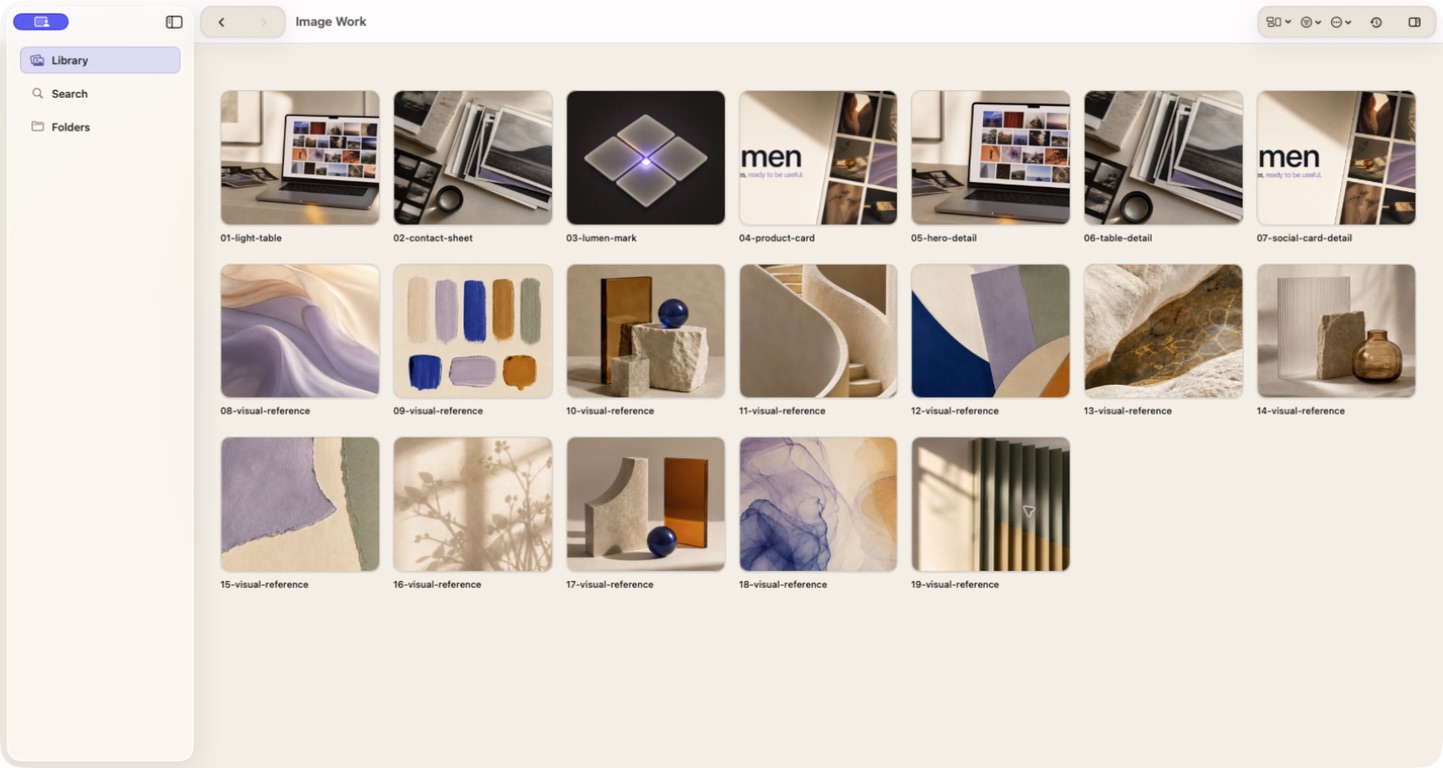
Open a Downloads folder and search for a word that appears in the screenshot, such as “pricing”, “settings”, or “checkout”. Lumen can search OCR text, filenames, and other local details, then show the matching images together.
Read how search worksOpen Focus from the current result set, inspect one image, and move through the filmstrip. Compare close variants, mark favorites and rejects, and review duplicates before you make the final selection.
Read about comparing and curating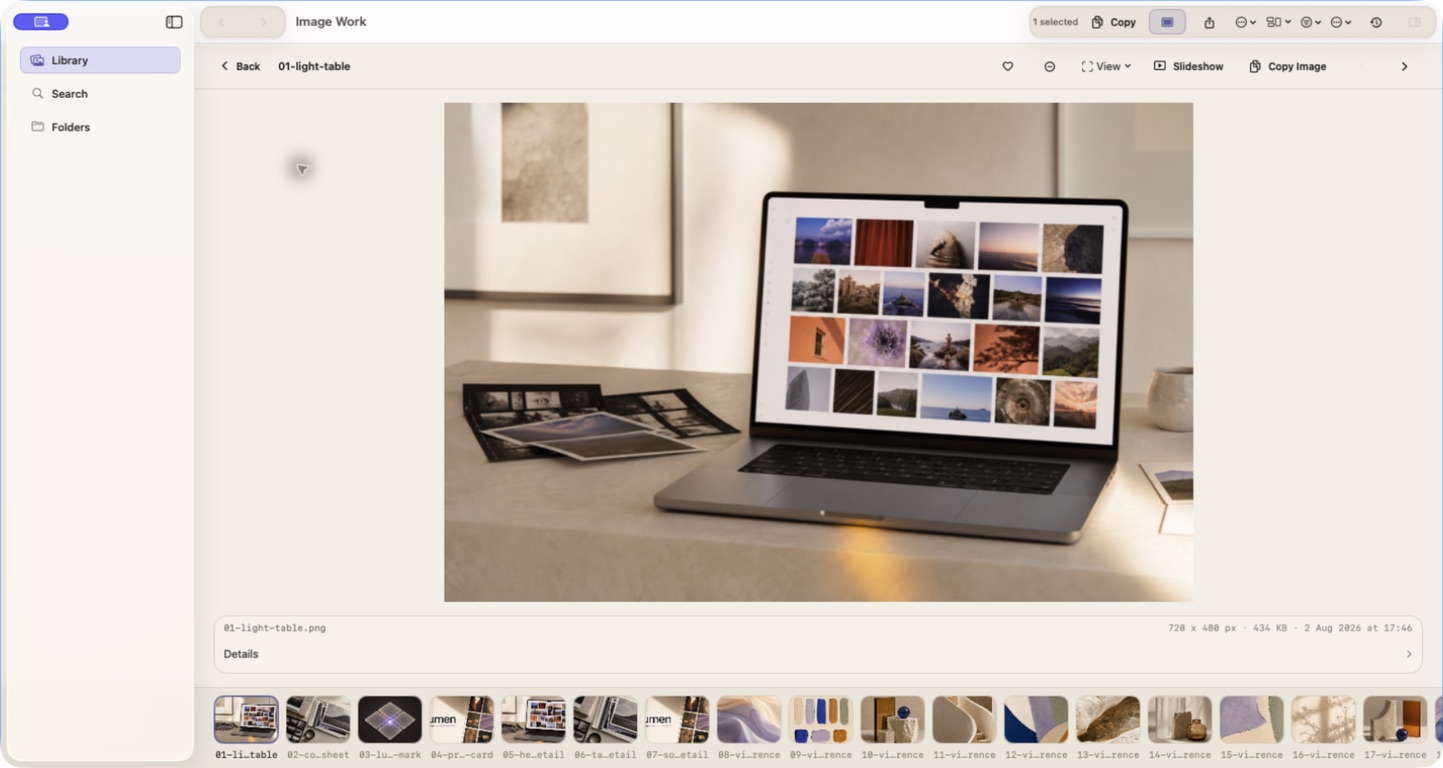
Choose the images you want someone else to review, then export a contact sheet instead of sending a folder of unnamed files.
Keep the originals where they are and create copies sized for a website, presentation, handoff, or another specific use.
Search a color, a word, a saved note, or the way an image looks. Start with the clue you still remember and refine from there.